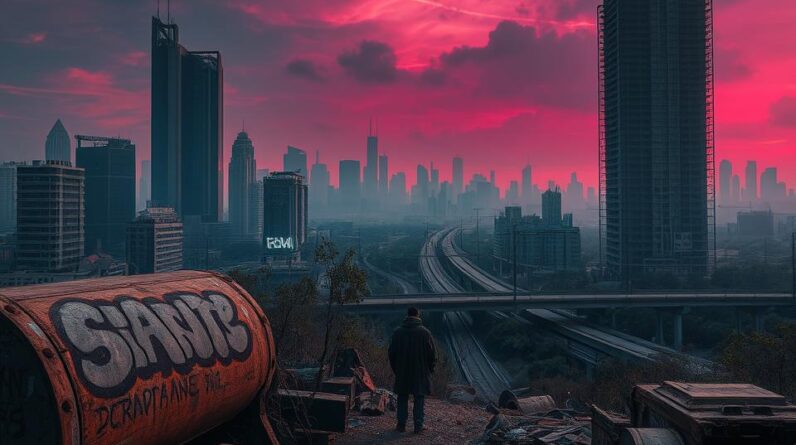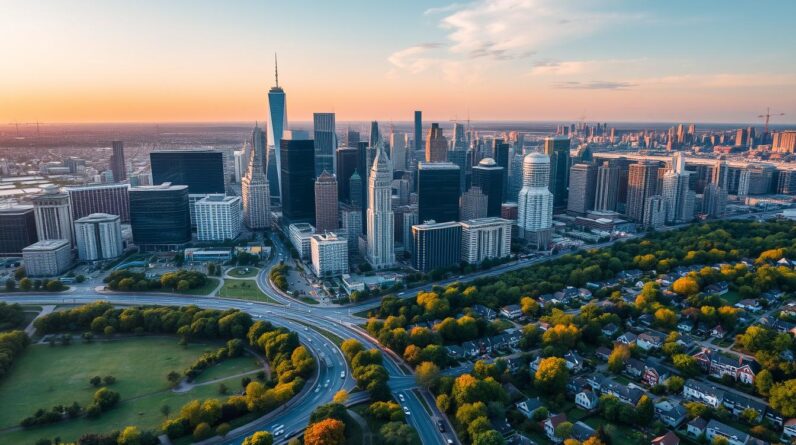
I’m thrilled to explore the world of Cities: Skylines II, the sequel to the popular city-building game. This game lets players design, build, and manage their own cities. It has better graphics, weather, and economic systems, making it a top-notch experience.
In this guide, I’ll cover the key parts of the game, from starting out to advanced strategies. This guide is for both experienced city planners and newcomers. It will help you master urban planning.
Prepare for an exciting journey in Cities: Skylines II. Every choice you make impacts your virtual city. You’ll zone areas, build services, and manage money to keep your citizens happy. Let’s start our adventure in this amazing game!
Introduction to Cities: Skylines II
Cities: Skylines II is the sequel to the popular city-building game. It’s set to release on October 24, 2023, for Windows. Players will get to build and manage cities on a grand scale.
Overview of Gameplay
The game focuses on a deep economic simulation. Players must balance resources and manage infrastructure. They also need to meet the needs of their virtual citizens.
The game includes realistic weather and climate systems. It also has a progression system based on milestones and development points. This adds complexity to the city-building experience.
Key Features to Explore
- Expansive playable area: Cities: Skylines II lets players build on a scale five times larger than the original. Each map has unique climates and resources.
- Detailed city management: The game offers tools for zoning, infrastructure planning, and keeping citizens happy. It’s a complete suite for urban development.
- Challenging growth and expansion: As cities grow, players must manage citizen demands. They must balance expansion with keeping the community thriving.
Why It’s a Must-Play
Cities: Skylines II is a must-play for city-building fans. It offers immersive gameplay, stunning visuals, and customization options. The game’s simulation mechanics and scale make it rewarding for players.
“Cities: Skylines II is a game that truly captures the essence of urban planning, challenging players to balance the needs of their citizens while shaping the future of their cities.”
Getting Started with Cities: Skylines II
Start your journey in the world of Cities: Skylines II by making sure your computer is ready. This game needs more power than the first one because it’s bigger and more detailed.
System Requirements
To play Cities: Skylines II well, your PC needs to meet certain standards:
- Operating System: Windows 10 or higher
- Processor: Intel Core i5-4690 or AMD Ryzen 5 1600
- Memory: 8 GB RAM
- Graphics: NVIDIA GeForce GTX 1060 or AMD Radeon RX 580
- Storage: 50 GB available space
Installing the Game
Starting with Cities: Skylines II is easy. Buy the game on Steam and follow the steps to install it. There are different versions, like the Ultimate Edition, which comes with extra stuff like the San Francisco Set and more.
“Unlock the full Cities: Skylines II experience. Make sure your hardware is up to par and get ready for an amazing city-building adventure.”
With the right setup and the game installed, you’re all set to explore Cities: Skylines II. Get ready to show off your creativity and build a bustling city.
The User Interface: A Quick Guide
Exploring the city management tools in Cities: Skylines II is easy. The game’s interface is user-friendly. You can start a new game, load a saved city, or adjust settings from the main menu.
Then, the magic starts. The map navigation and Heads-Up Display (HUD) show you how your city is doing in real-time.
Navigating the Map
Knowing the map well is key for city planning and management. Cities: Skylines II has tools to help you explore and manage your city. You can zoom, rotate, and check different layers like zoning and transportation.
The grid mode and replacement tools help you create smooth city blocks. They also let you refine your road networks with ease.
Understanding the HUD
The HUD in Cities: Skylines II is very helpful. It shows important stats like population, employment, and citizen happiness. This info helps you keep your city thriving.
With the HUD, you can make smart choices and meet your city’s needs quickly.
| User Interface Elements | Key Features |
|---|---|
| Main Menu |
|
| Map Navigation |
|
| Heads-Up Display (HUD) |
|
Getting to know the user interface will help you become a top city builder in Cities: Skylines II. Use the map and HUD to explore and make smart decisions for your city’s growth.
Building Your First City
Starting your city-building journey in Cities: Skylines II means choosing the right location. The game has many maps, each with its own climate, resources, and terrain. Your choice will affect the challenges and opportunities your city will face.
After picking a map, it’s time to focus on city planning and zoning strategies. In Cities: Skylines II, you can set up residential, commercial, and industrial areas. Start with small 4×4 low-density residential zones to keep costs low.
As your city grows, managing infrastructure is key. You’ll need to set up power, water, sewage, and garbage services. Start small and grow your services as your city expands.
“The key to a successful city in Cities: Skylines II is to lay a solid foundation and then thoughtfully expand your infrastructure to meet the demands of your citizens.”
By thinking about location, zoning, and services, you’re on the path to a thriving city in Cities: Skylines II. Stay tuned for more tips and strategies to help you navigate the challenges and opportunities that lie ahead!
Managing City Resources
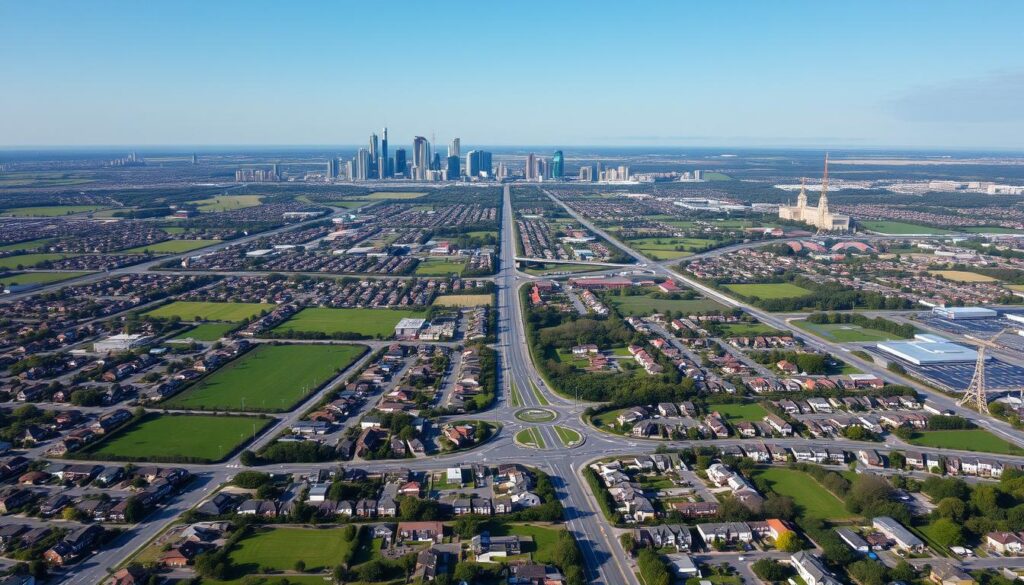
Effective resource management is key to a thriving city in Cities: Skylines II. You need to plan well for power, water, and garbage systems. As your city grows, managing its resources becomes more important.
Power and Water Systems
Starting with a reliable power and water supply is essential. Use renewable sources like wind or solar for a sustainable solution. Expand your networks as your city grows to meet citizens’ needs.
Garbage Management
Proper garbage management is vital for citizen happiness and health. Start waste collection early and invest in recycling and waste-to-energy. Monitor garbage output and adjust strategies as needed.
Budgeting and Finances
The economic simulation in Cities: Skylines II is complex. Avoid overbuilding or upgrading too quickly to prevent budget deficits. Monitor revenue, manage expenses, and invest wisely for long-term stability.
| Resource | Key Considerations | Strategies for Effective Management |
|---|---|---|
| Power |
|
|
| Water |
|
|
| Garbage |
|
|
| Finances |
|
|
Mastering resource management in Cities: Skylines II will help you build a thriving metropolis. Keep an eye on power, water, garbage, and finances for a sustainable future.
Expanding Your City
Building your city in Cities: Skylines II is both exciting and challenging. It needs careful planning and smart thinking. The secret to growing your city is to unlock new areas and meet the changing needs of your people.
Unlocking New Areas
Reaching milestones in your city lets you access more land and development points. These points help you add new features and buildings. Keep an eye on your progress to unlock the right areas at the right time.
Balancing Demand and Growth
It’s important to grow your city at a steady pace. Use the City Information tab to know what your citizens need. Don’t expand too fast, as it can waste resources. Plan your growth to create a well-designed city.
Cities: Skylines II lets you build anywhere on the map. This freedom helps you create a city that fits your vision. By managing growth and unlocking areas wisely, you’ll build a city masterpiece.
| Key Expansion Strategies | Benefits |
|---|---|
| Upgrading transportation modes | Prevents mobility issues as the city grows |
| Incorporating trains, air travel, and water transportation | Enhances connectivity but requires higher investment |
| Upgrading existing buildings | Meets evolving citizen needs as the population expands |
| Monitoring citizen happiness | Helps identify necessary services and improvements |
| Establishing outside connections for trade | Crucial for supporting the city’s growth and development |
Transportation Networks
In Cities: Skylines II, building a good transportation system is key. You need to create efficient roads and highways. This helps move people and goods smoothly around your city.
Creating Roads and Highways
The game lets you build different types of roads. You can make narrow streets or wide highways. By placing intersections and roundabouts wisely, you can improve traffic flow.
Think about your city’s layout and population when planning roads. This helps your city run better.
Public Transport Options
- Buses: The main public transport, costing 150,000 for a depot and 62,000 monthly. It supports 25 vehicles.
- Trains and Subways: Great for moving lots of people, running in one or two directions.
- Taxis: A cheap way for citizens to get around, with depots taking up space like buildings.
- Trams: Unlocked later, needing two development points. Depots cost 100,000 initially and 42,000 to upgrade. Track costs vary from 625 to 1,250 per kilometer.
Traffic Management Tips
Managing traffic well keeps your citizens happy and efficient. Use the pause feature to make big changes without interrupting the city. Place bus stops and train stations strategically to reduce traffic and make travel easy for your residents.
| Transportation Option | Initial Cost | Monthly Upkeep | Vehicle Capacity |
|---|---|---|---|
| Bus Depot | $150,000 | $62,000 | 25 vehicles |
| Bus Depot Upgrade (Extra Garage) | $75,000 | $30,000 | 10 additional vehicles |
| Electric Buses | $18,500 | $29,000 | Same as regular buses |
| Bus Station | $200,000 | $56,000 | N/A |
| Tram Depot | $100,000 | $23,000 | N/A |
| Tram Depot Upgrade | $42,000 | $25,000 | N/A |
Maintaining City Happiness
In Cities: Skylines II, making your citizens happy is key to your city’s success. You need to meet their basic needs and provide important urban services. This is vital for managing your city well.
Resident Needs and Wants
Citizens in Cities: Skylines II have many needs and wants. They need jobs, places to relax, and access to education and healthcare. You can offer different homes to meet their income levels, making everyone feel valued.
Crime and Safety Considerations
Keeping your city safe is important for citizen happiness. Place police stations wisely and fight crime effectively. This helps prevent theft and vandalism, keeping your citizens safe.
Education and Health Care
Investing in education and healthcare is vital for your citizens’ happiness. Build schools, universities, hospitals, and clinics. Make sure these places are easy to get to with good transport.
Keeping up with your citizens’ changing needs is a big challenge in Cities: Skylines II. But, the joy of a happy city makes it all worth it. Balance citizen happiness, public safety, and urban services to make a city your residents will love.
Exploring Policies and Ordinances
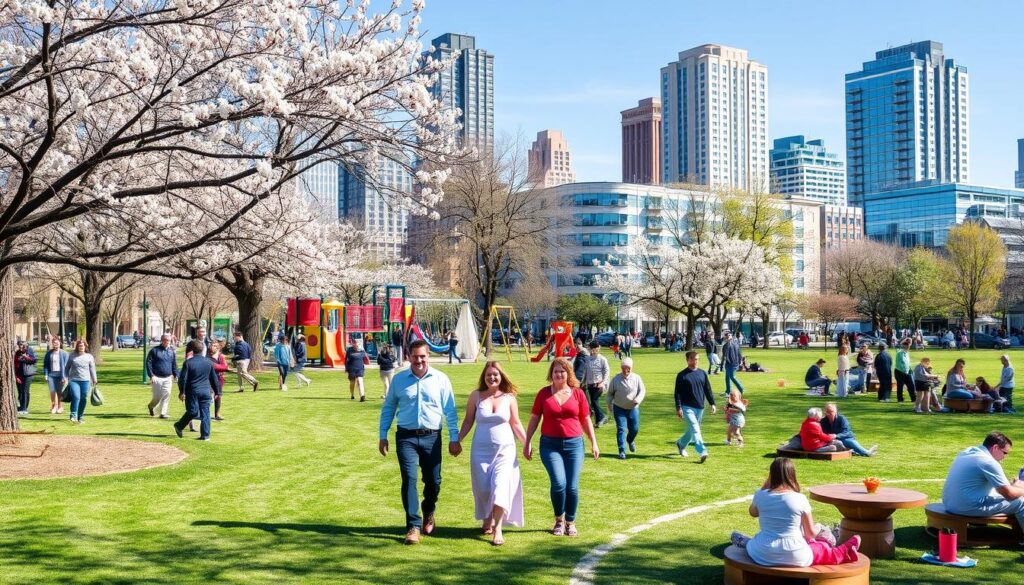
As the mayor of a thriving city in Cities: Skylines II, you have the power to shape your community. You can influence citizen behavior, economic growth, and environmental sustainability. This feature lets you directly impact your virtual metropolis.
Setting City Policies
The game’s revamped policy system offers a wide range of options. You can choose from Advanced Pollution Management to High-Speed Highways. These policies can greatly affect your city’s development. It’s important to balance them to address urban challenges and optimize your city’s performance.
Environmental Considerations
Environmental sustainability is key in Cities: Skylines II. Climate and weather patterns play a big role in city management. Policies like Energy Consumption Awareness and Combustion Engine Ban help reduce carbon footprint and promote eco-friendly practices.
Managing Population Density
- Effective zoning and land-use policies are essential for managing population density. The High Tech Housing policy, for instance, can attract more citizens by increasing land values.
- Also, policies such as Gated Community and Roadside Parking Fee can influence resident distribution. This helps maintain a balanced and sustainable population.
By carefully implementing and adjusting these policies, you can tackle urban challenges. You can foster environmental sustainability and create a thriving, well-managed city in Cities: Skylines II.
“With the power of policies and ordinances, I can shape my city’s future. I balance the needs of my citizens with environmental concerns and population management.”
Challenges and Scenarios
Exploring Cities: Skylines II, I find building a city is tough. The game has many challenges that test my city planning and problem-solving skills.
Common Challenges Faced by Players
Managing rapid growth is a big challenge. I must balance housing, services, and infrastructure needs. Natural disasters like floods and earthquakes also disrupt my plans, requiring quick action.
Keeping a healthy budget is another challenge. I need to manage income and expenses carefully. This ensures my city’s long-term success.
Overcoming Obstacles through Careful Planning and Adaptability
To face these challenges, I use careful planning and adaptability. I check the City Information tab often to spot issues early. Pausing the game helps me adjust my city’s infrastructure without problems.
The game’s new scenarios offer more challenges. I tackle scenarios like Green Power and Clean Up Crew. Each scenario helps me improve my urban planning skills.
“The true mark of a great city is not its size, but its ability to adapt and thrive in the face of adversity.”
I’m excited to tackle these challenges in Cities: Skylines II. I’ll use the game’s tools and my skills to build sustainable cities.
| Scenario | Completion Requirements |
|---|---|
| Green Power |
|
| Clean Up Crew |
|
| Trains |
|
| Fix The Traffic |
|
| Alpine Villages |
|
| By The Dam |
|
| Floodland |
|
| Island Hopping |
|
Community and Mods
As a Cities: Skylines II fan, I’ve found the game’s community and mods to be key. Online forums have been a huge help, giving me tips, ideas, and support from others. It’s been a gamechanger for me.
The modding scene, like in the first game, is a big deal for Cities: Skylines II. Developers say the game will support mods. This means players can add custom content and tweaks to their game.
Joining Online Forums
Getting into the Cities: Skylines II community is easy through online forums. These places are full of activity. Players share their work, talk strategies, and help each other out.
These forums have been a huge help for me. They’ve solved problems and shown me new things to try. It’s been a big part of my gaming experience.
Utilizing Modifications for Enhanced Play
The modding scene for Cities: Skylines II is growing fast. There are many custom assets and gameplay tweaks available. For example, the “Urban Promenades” pack adds 60 new housing zone assets with 27 designs.
Other mods, like “Modern Architecture,” offer 21 service buildings with over 60 looks. These mods let me customize the game to fit my style. They make the game more fun and personal.
Looking for new visuals, better gameplay, or unique challenges? The modding community for Cities: Skylines II has it all. These customizations let me make the game my own. They push the limits of urban planning and city management.
Conclusion and Final Thoughts
Exploring Cities: Skylines II has shown me its deep and complex world. The game’s improved graphics and larger scale make it engaging. It’s perfect for those who enjoy urban planning and city development.
Recap of Key Strategies
Success in the game comes from starting small and planning ahead. Managing resources well and adapting to map challenges are also key. By zoning, building services, and optimizing transport, I’ve grown my cities into thriving places.
Encouragement to Dive In
If you love urban planning and designing cities, try Cities: Skylines II. It offers a realistic simulation and endless possibilities. It’s a great chance to create your dream city. So, pack your bags and start your city-building journey!
FAQ
What is Cities: Skylines II?
What are the key features of Cities: Skylines II?
What are the system requirements for Cities: Skylines II?
How does the user interface work in Cities: Skylines II?
How do I start building my first city in Cities: Skylines II?
How do I manage resources in Cities: Skylines II?
How do I expand my city in Cities: Skylines II?
What are the transportation options in Cities: Skylines II?
How do I maintain city happiness in Cities: Skylines II?
What are the policies and ordinances in Cities: Skylines II?
What challenges will I face in Cities: Skylines II?
What is the modding community like for Cities: Skylines II?
Source Links
- https://www.digitaltrends.com/gaming/cities-skylines-2-beginner-guide/
- https://www.thegamer.com/cities-skylines-2-beginner-tips-tricks/
- https://en.wikipedia.org/wiki/Cities:_Skylines_II
- https://www.npr.org/2023/10/19/1207109657/cities-skylines-ii-review
- https://www.ign.com/articles/cities-skylines-2-review
- https://n4g.com/articles/cities-skylines-2-how-to-start-a-city-guide/
- https://www.ign.com/wikis/cities-skylines-2/Beginner_Tips_for_Building_a_Successful_City
- http://cdn.akamai.steamstatic.com/steam/apps/255710/manuals/CitiesSkylines-UserManual_EN.pdf
- https://www.paradoxinteractive.com/games/cities-skylines-ii/features/road-tools
- https://steamcommunity.com/app/949230/guides/?browsesort=toprated&browsefilter=toprated&requiredtags[0]=english&p=1
- https://blog.electronicfirst.com/cities-skylines-2-best-tips-for-beginners/
- https://www.videogamer.com/guides/cities-skylines-2-beginners/
- https://www.thegamer.com/cities-skylines-2-imports-exports-guide/
- https://www.thegamer.com/cities-skylines-2-city-optimizing-guide/
- https://news.xbox.com/en-us/2023/10/24/cities-skylines-2-helpful-tips/
- https://n4g.com/articles/cities-skylines-2-how-to-buy-more-land/
- https://www.thegamer.com/cities-skylines-2-bus-routes-basic-transportation-set-up/
- https://gamerant.com/cities-skylines-2-best-public-transport/
- https://www.thegamer.com/cities-skylines-2-tram-lines-trams-set-up/
- https://gamerant.com/cities-skylines-2-best-ways-maintain-happiness/
- https://www.thegamer.com/cities-skylines-2-citizen-happiness-boost-increase-guide/
- https://gamerant.com/cities-skylines-best-tips-increase-residential-happiness/
- https://www.paradoxinteractive.com/games/cities-skylines-ii/features/city-services-districts-policies
- https://gamerant.com/cities-skylines-2-how-to-set-policies/
- https://gamerant.com/cities-skylines-best-policies-pick-starting-a-city/
- https://www.thegamer.com/cities-skylines-best-scenarios/
- https://skylines.fandom.com/wiki/Scenarios
- https://steamcommunity.com/app/949230
- https://www.nexusmods.com/citiesskylines2/mods/
- https://www.nexusmods.com/citiesskylines2
- https://steamcommunity.com/app/949230/discussions/0/4843148394002342011/
- https://blog.paavo.me/cities-skylines-2-performance/
- https://ladiesgamers.com/cities-skylines-ii-review/